


 GitHub
 GitLab
 Lovable
 Bolt
 Claude Code
 Codex
 Cursor
 Gemini
 Copilot










Improve the app you already ship.
Open the product your team already has, whether your developers built it or you made it in Lovable, Bolt or v0. Your changes are made in that same app, ready for your team to review and ship.
How to open a project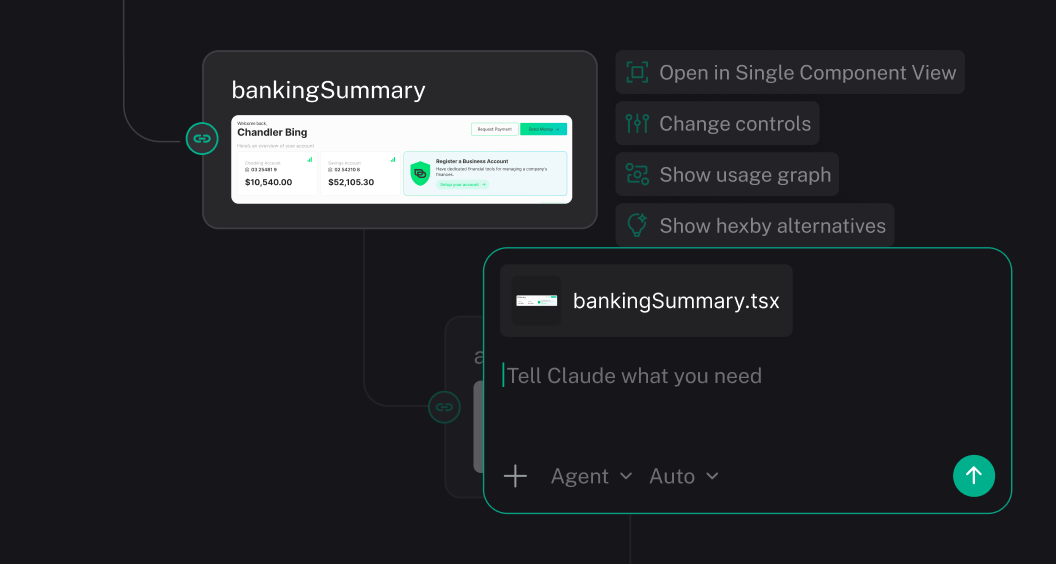
Hexby makes your AI coding agents better at
design, right inside your codebase.
Open a project from
Bitbucket, Replit, Base44, Rocket & v0
GitLab, Bitbucket, Replit, Base44, Rocket & v0
GitLab, Bolt, Bitbucket, Replit, Base44, Rocket & v0
Change with your existing subscriptions
Figma
Design lives outside the product.
You can design exactly what you want, but it's disconnected from the code that ships.
The gap
Designs aren't connected to the code that actually ships.
Hexby
Design on the real UI with your agents.
Connect your codebase, visualize the real UI, and change it with the agents you already use.
The solution
Your codebase becomes the actual visual design environment.
AI coding agents
Make coding easier. Leave design behind.
Agents can change your code, but you only see the result in prompts, code, or a running app.
The gap
Code changes, but there's no easy way to work with just the UI
Design on the code that ships, not a copy of it.
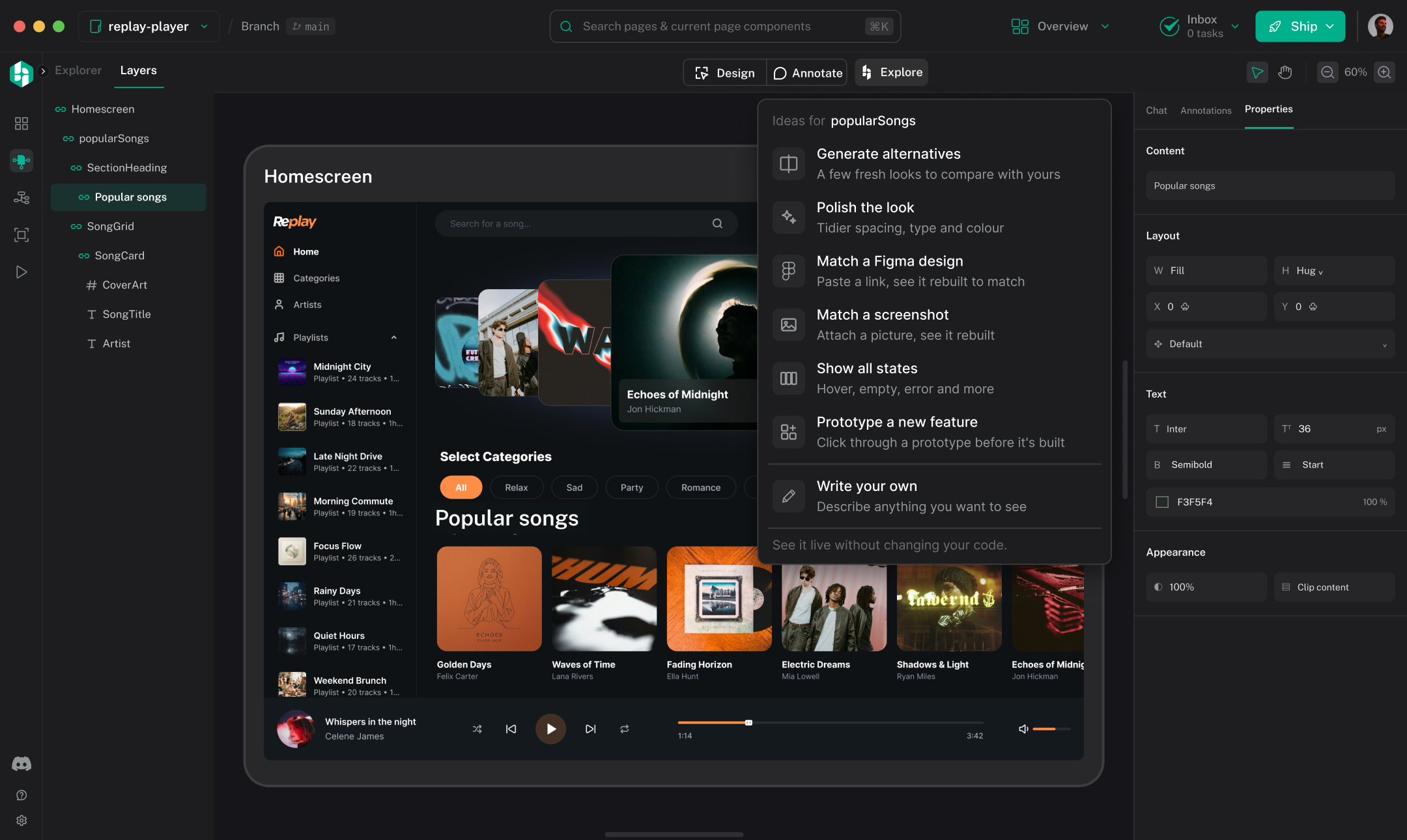
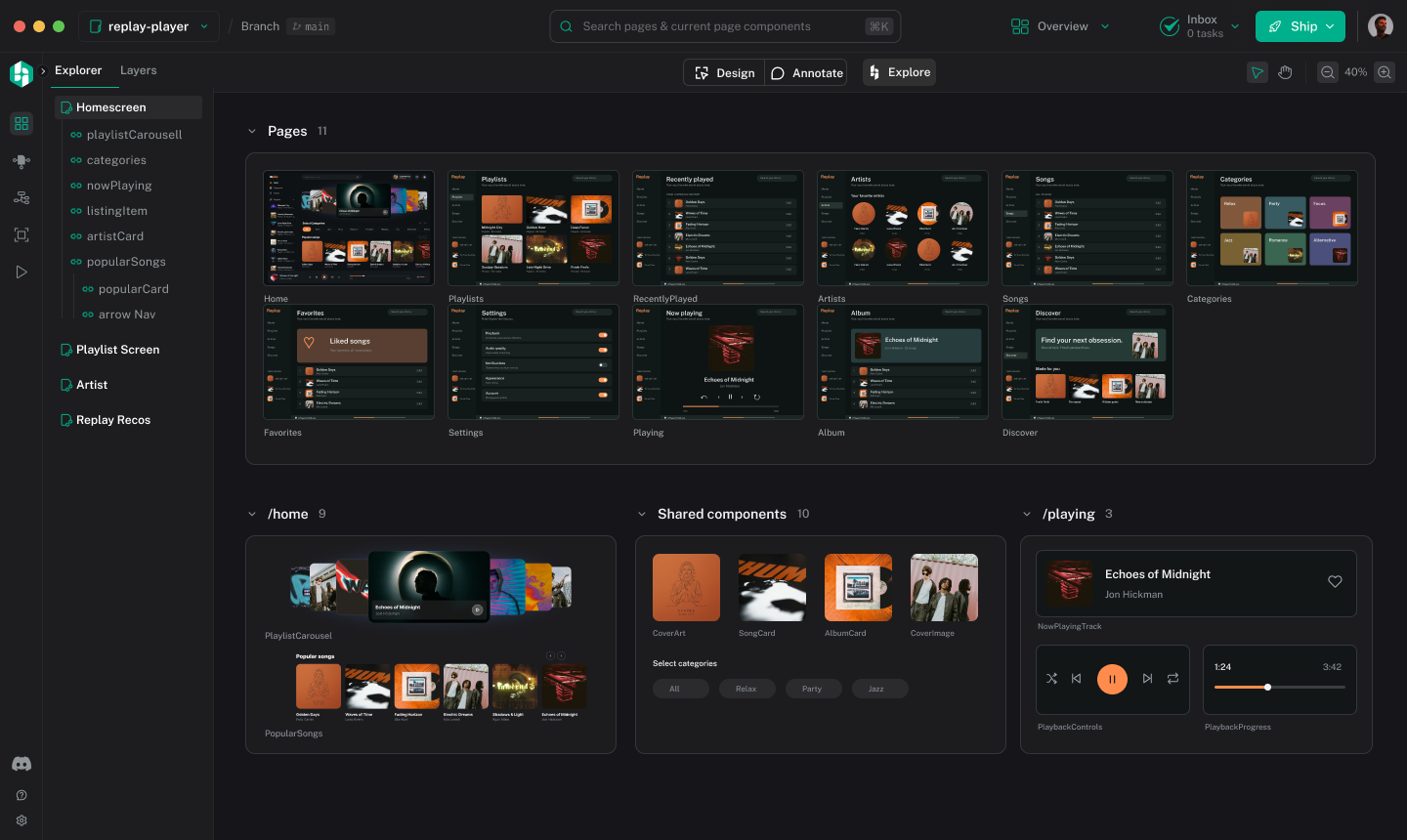
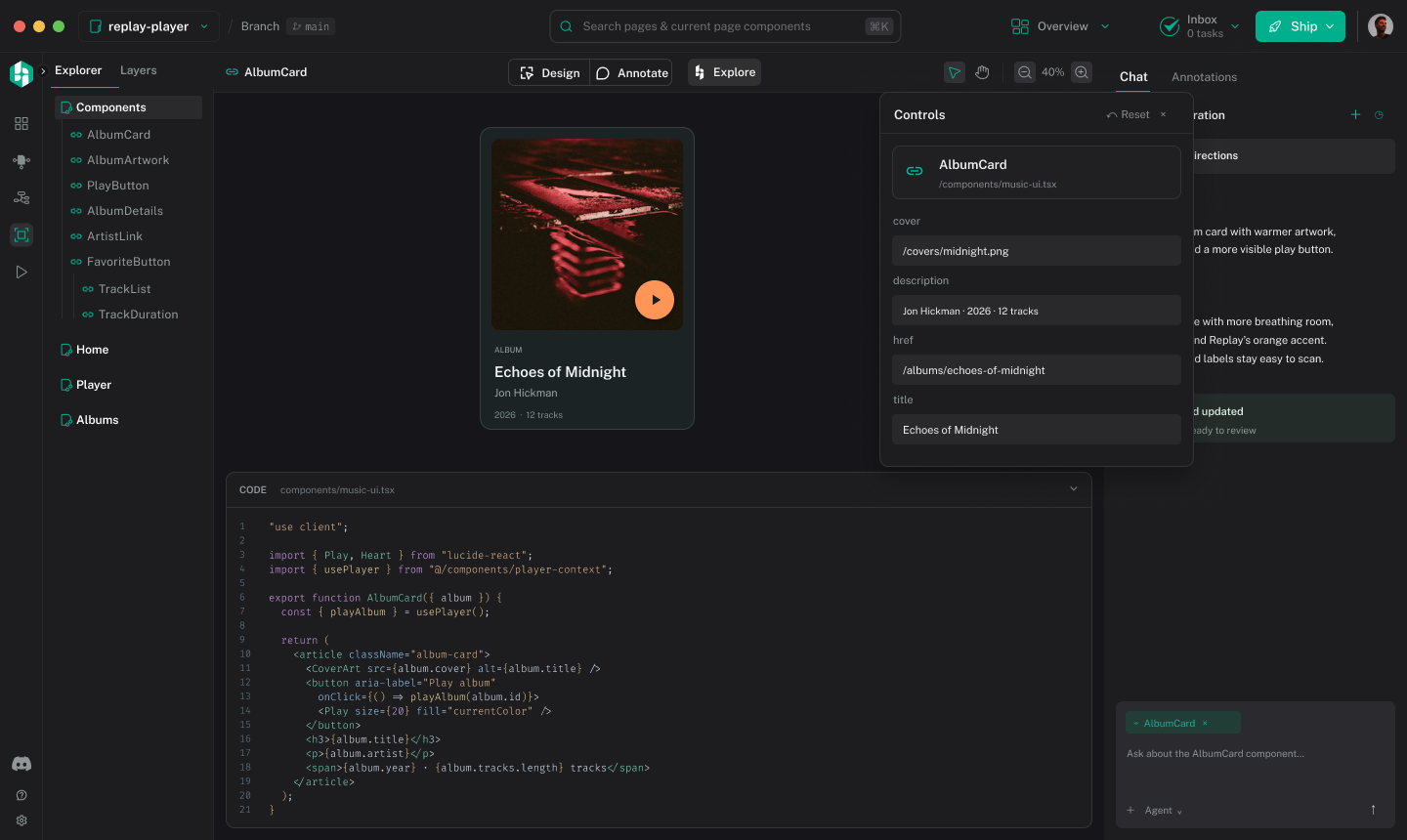
Track down any page or component in seconds, then chat, tweak or try ideas right where it lives.

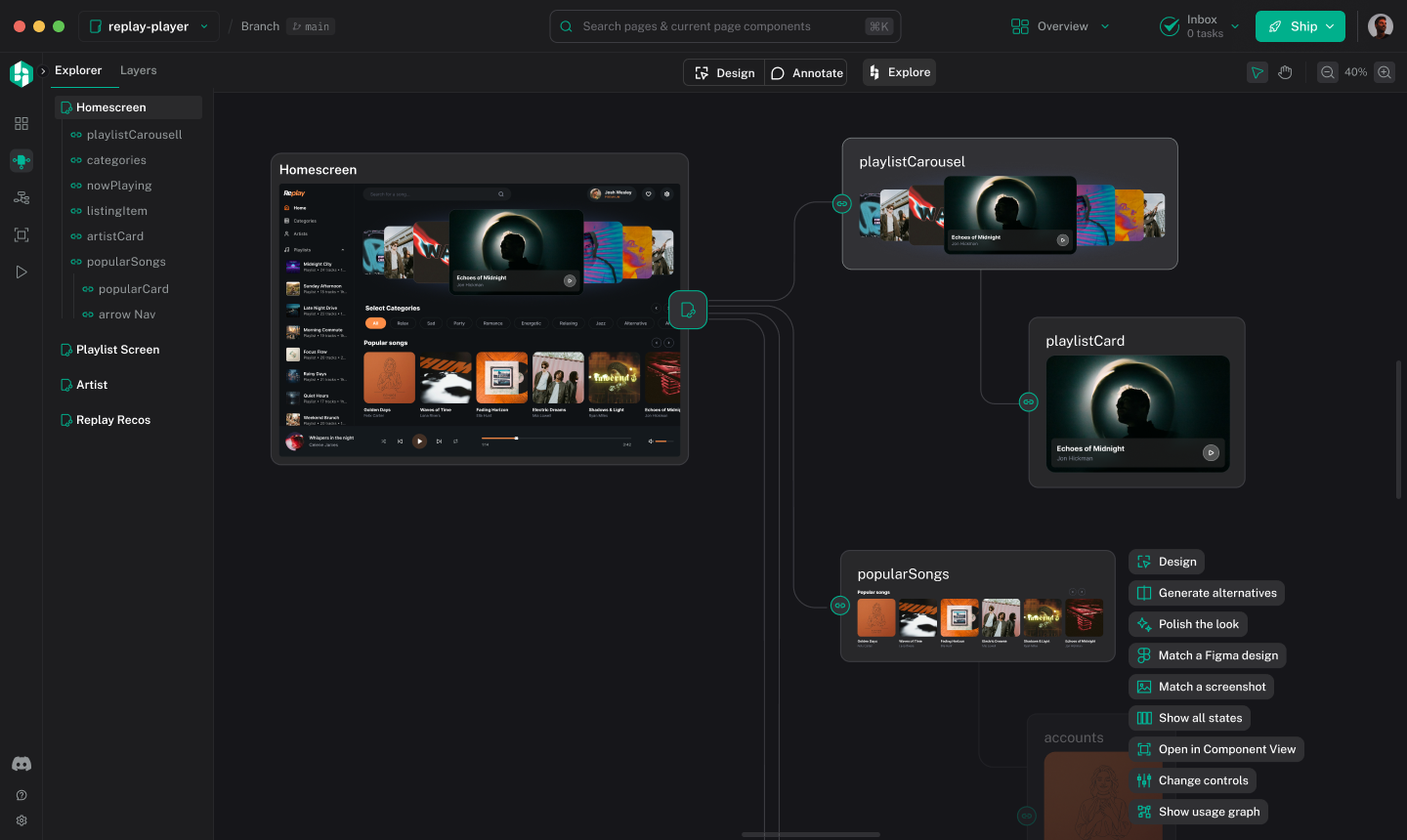
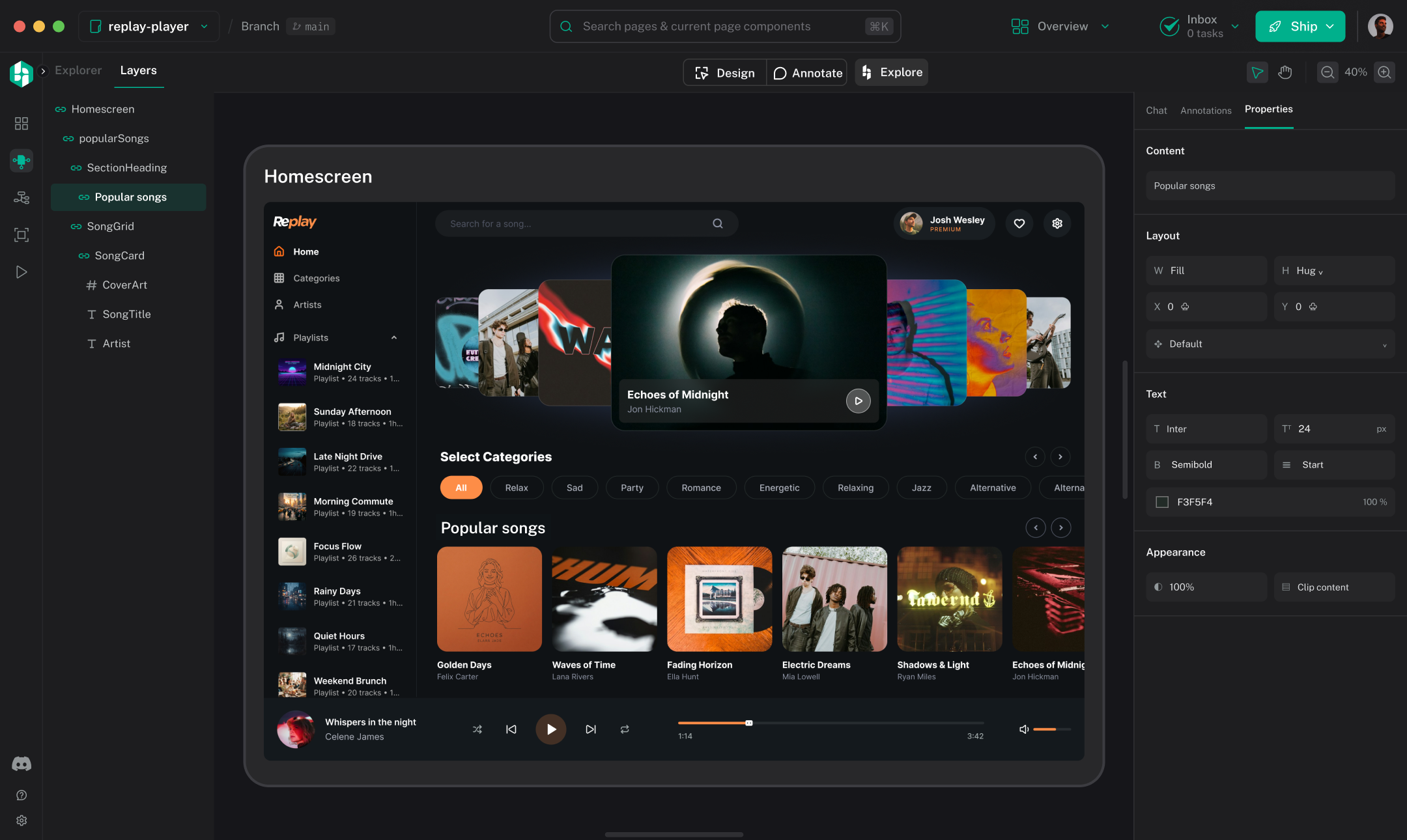
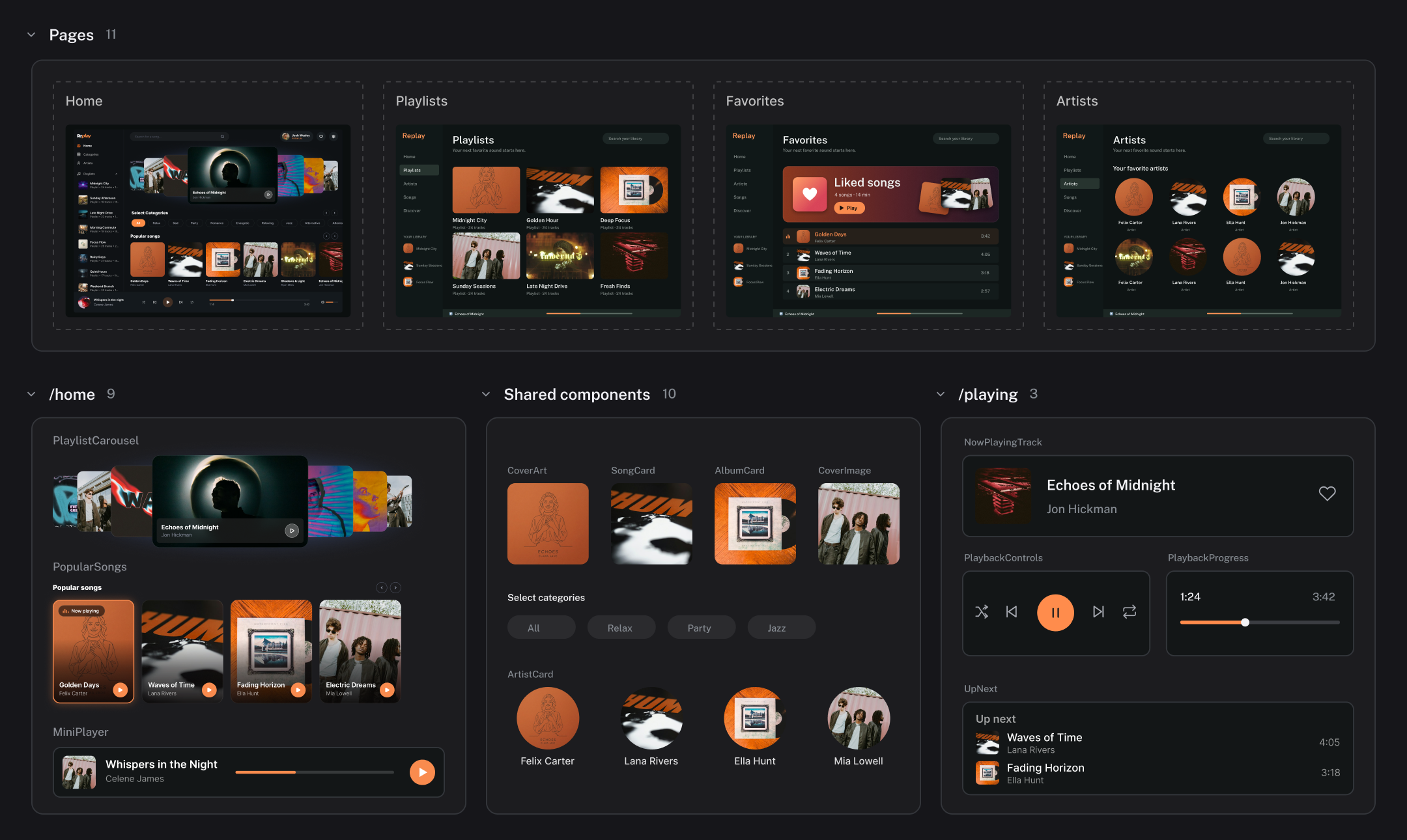
Every component you have on one free canvas, with project-wide search, filtering by kind and sorting. Zoom in and the cards become the real components, live and clickable, so you can hover them and try their states without leaving the canvas.

Ask your agent to build, edit or refine your components in the side panel. Select something on the canvas and it comes along as context, so the agent knows exactly which file you mean.
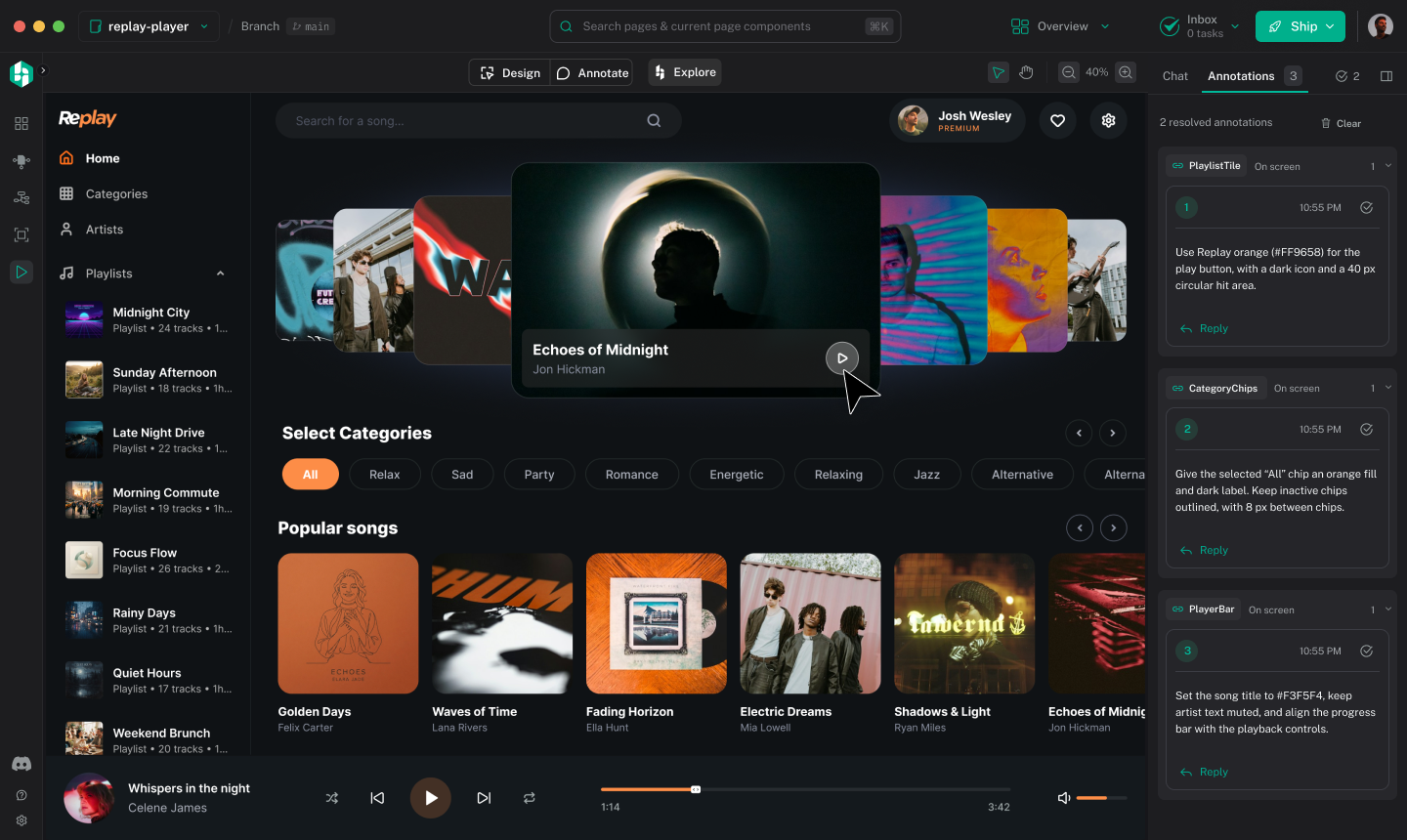
When words aren’t enough, annotate. Pin notes straight onto the elements you want changed, then send them all to your agent in one go.
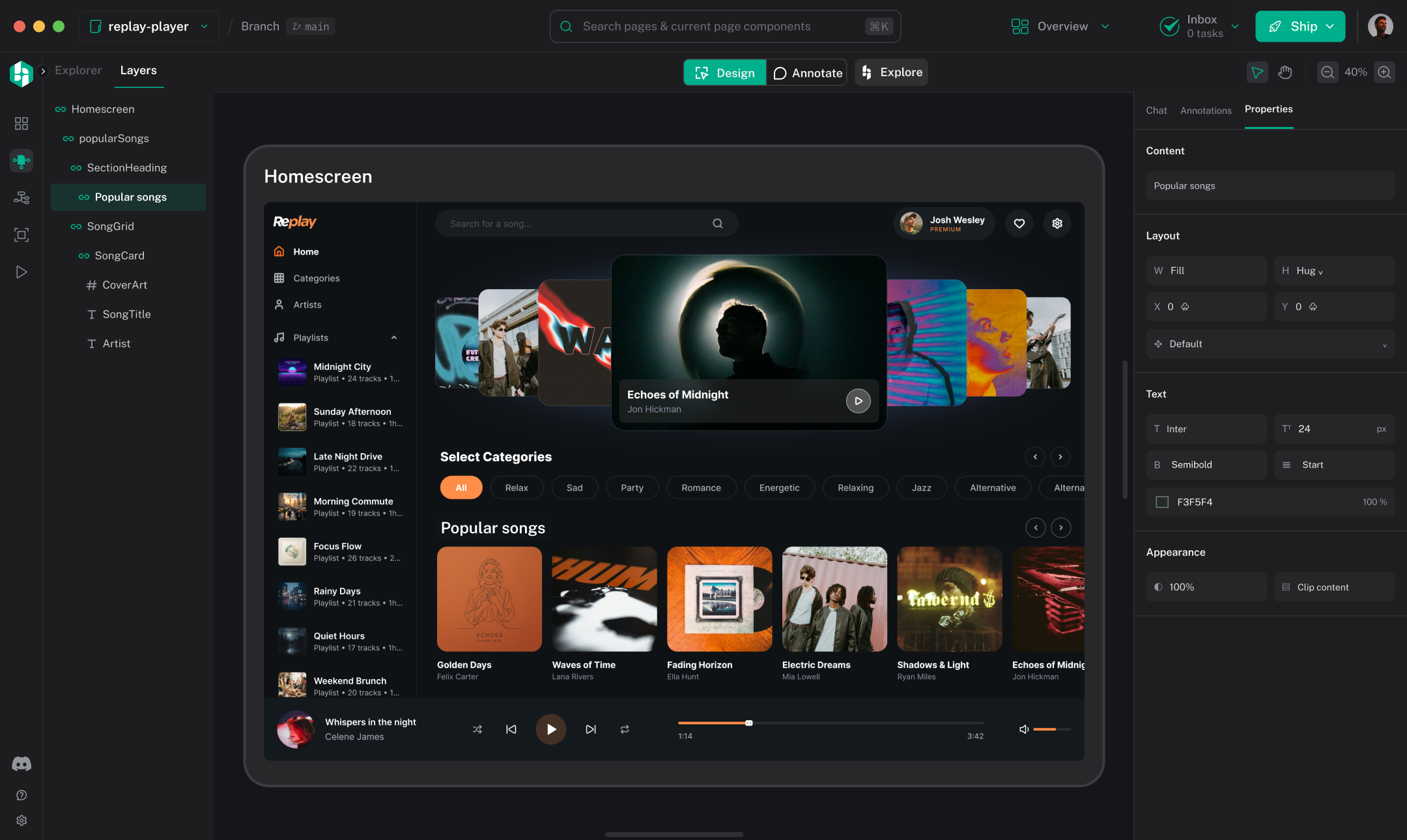
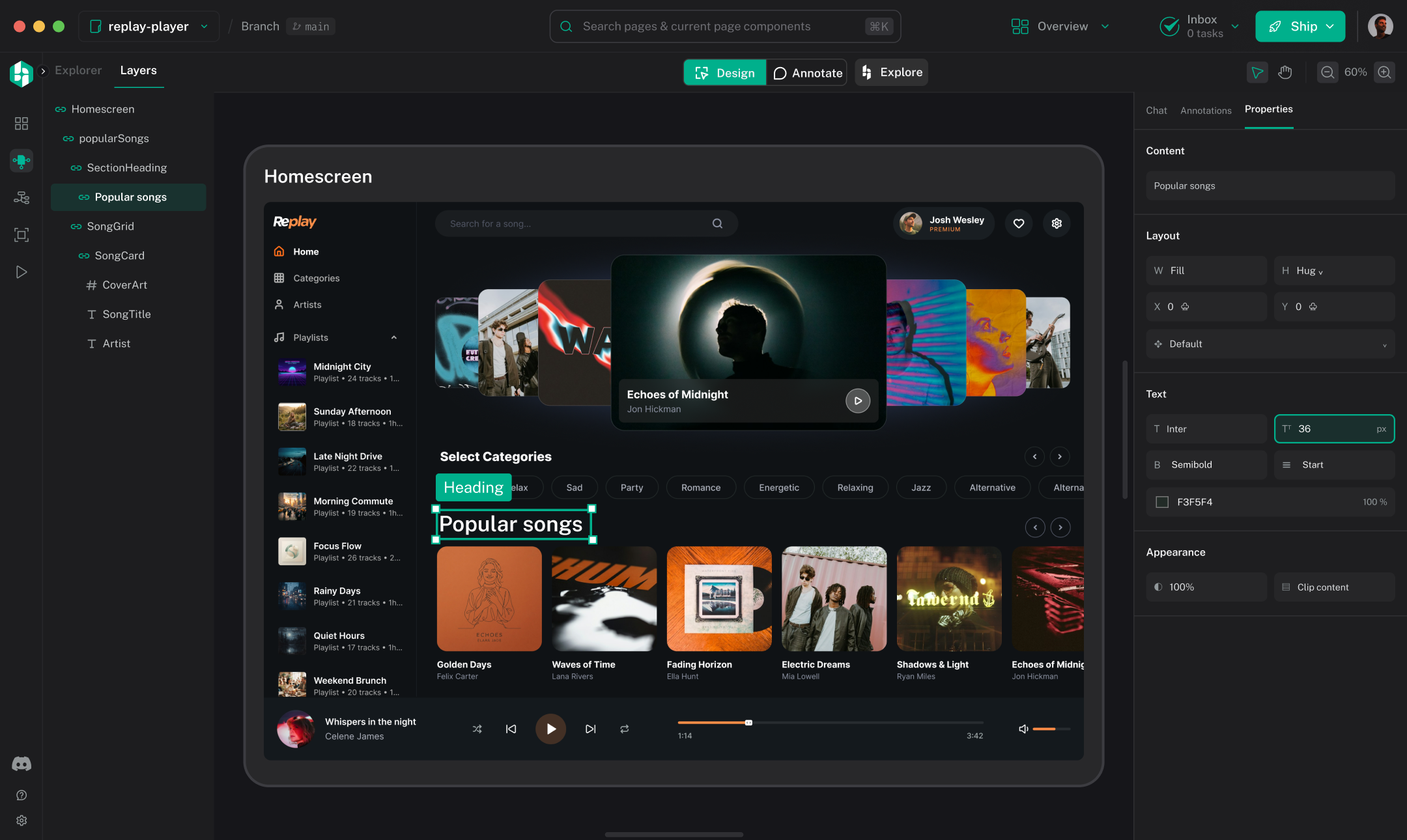
Select an element and set its font size, spacing, dimensions, or color with visual controls. Edit text directly in the preview, adjust alignment, and reorder elements.
See each change as you make it, with edits saved back to your project’s code.

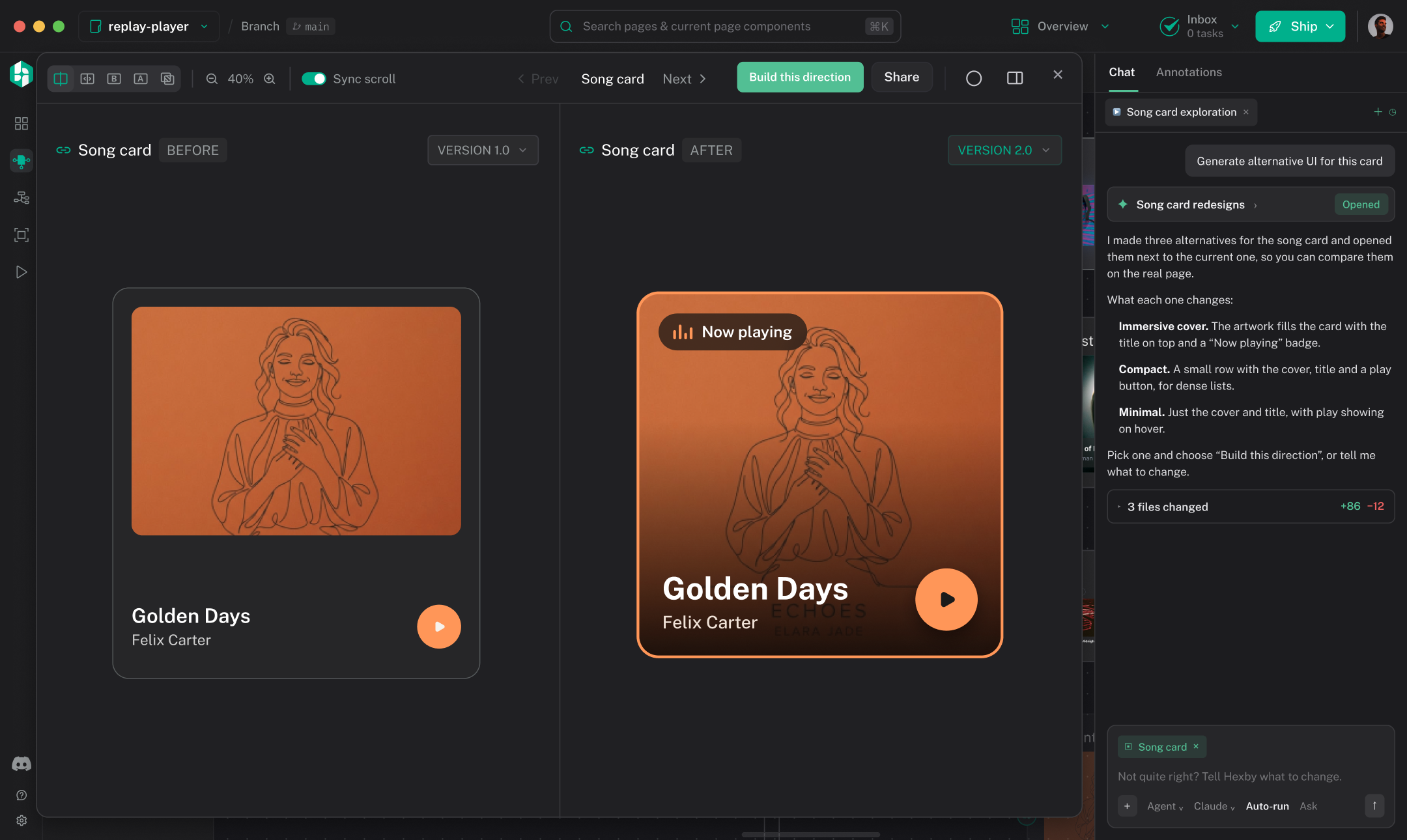
Compare ideas on your real UI. Choose what to build.
Hexby gives designers and product teams a way to work close to production
while keeping your existing review and merge workflows intact.
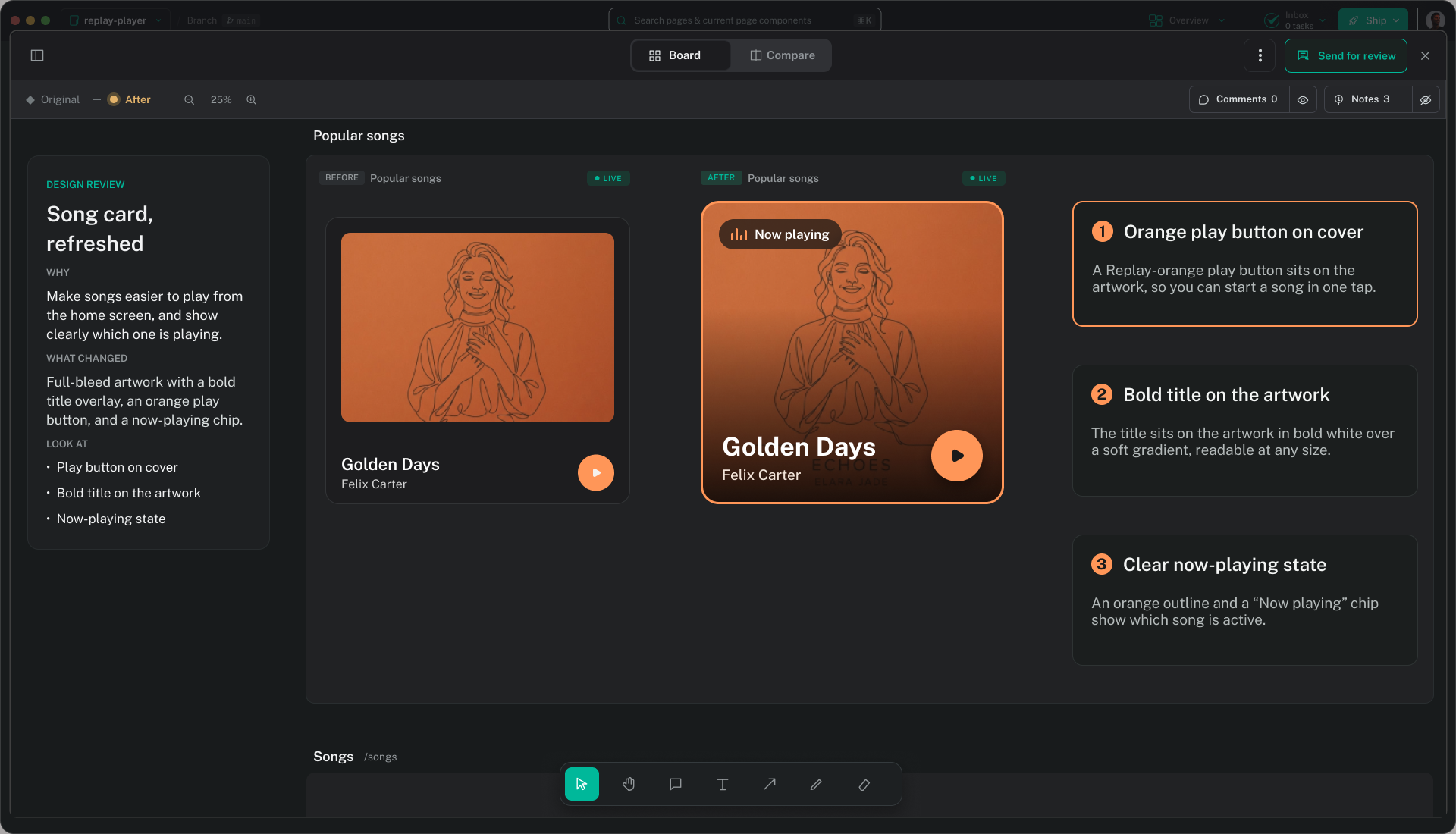
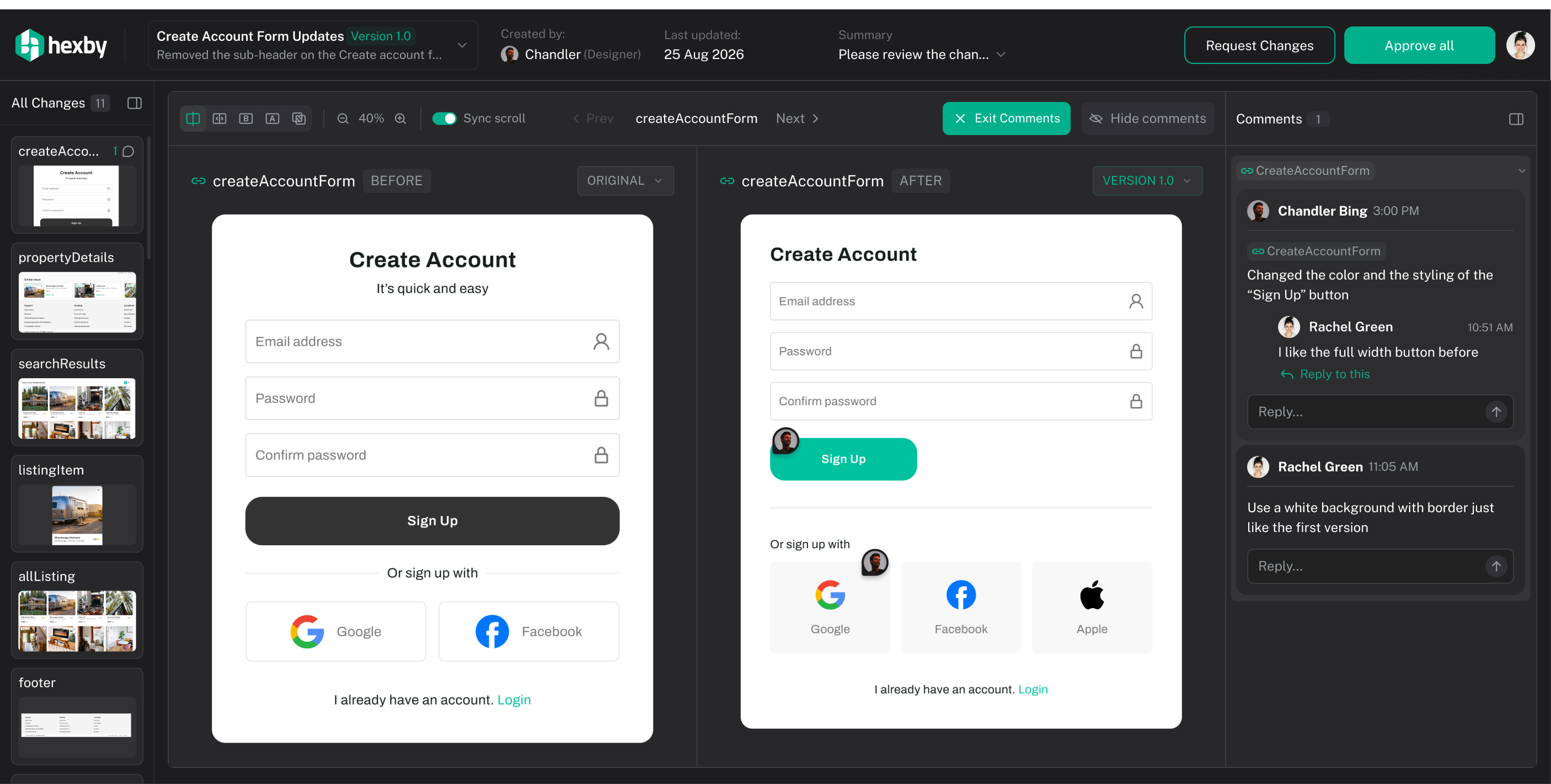
Bring before-and-after screens, a brief, and change notes together on one board. Check the previews and edit the explanation before inviting teammates.
Annotate the live preview. Reviewers see the same components the code renders, so feedback lands on the thing that ships.
Designers send real components for review. Approved work is ready to hand off.
Submit the visual work as a review round. Nothing reaches the repository until somebody means it to.
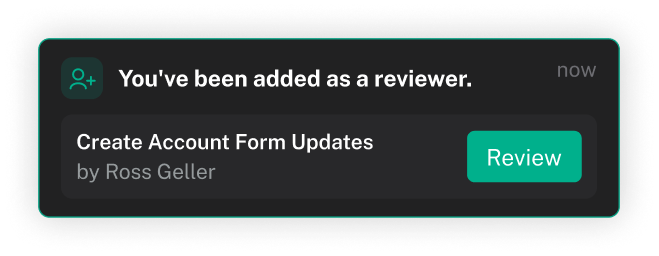
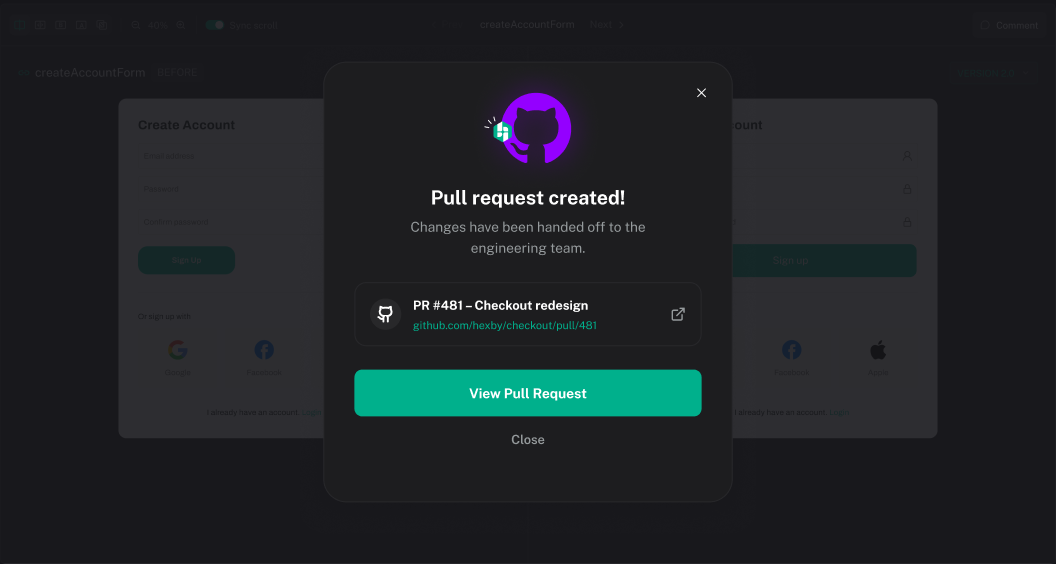
The visual review posts into the pull request—what changed, what was approved, and a link to open it. Developers stay in GitHub.
Changes go live to production.
Every project in Hexby starts one of two ways: work on the app you already ship, or remix it into a new one reusing its design system.
Open the product your team already has, whether your developers built it or you made it in Lovable, Bolt or v0. Your changes are made in that same app, ready for your team to review and ship.
How to open a projectHexby makes a copy of an app you like, and your agent builds something new with its look, styles and components. The app you started from never changes.
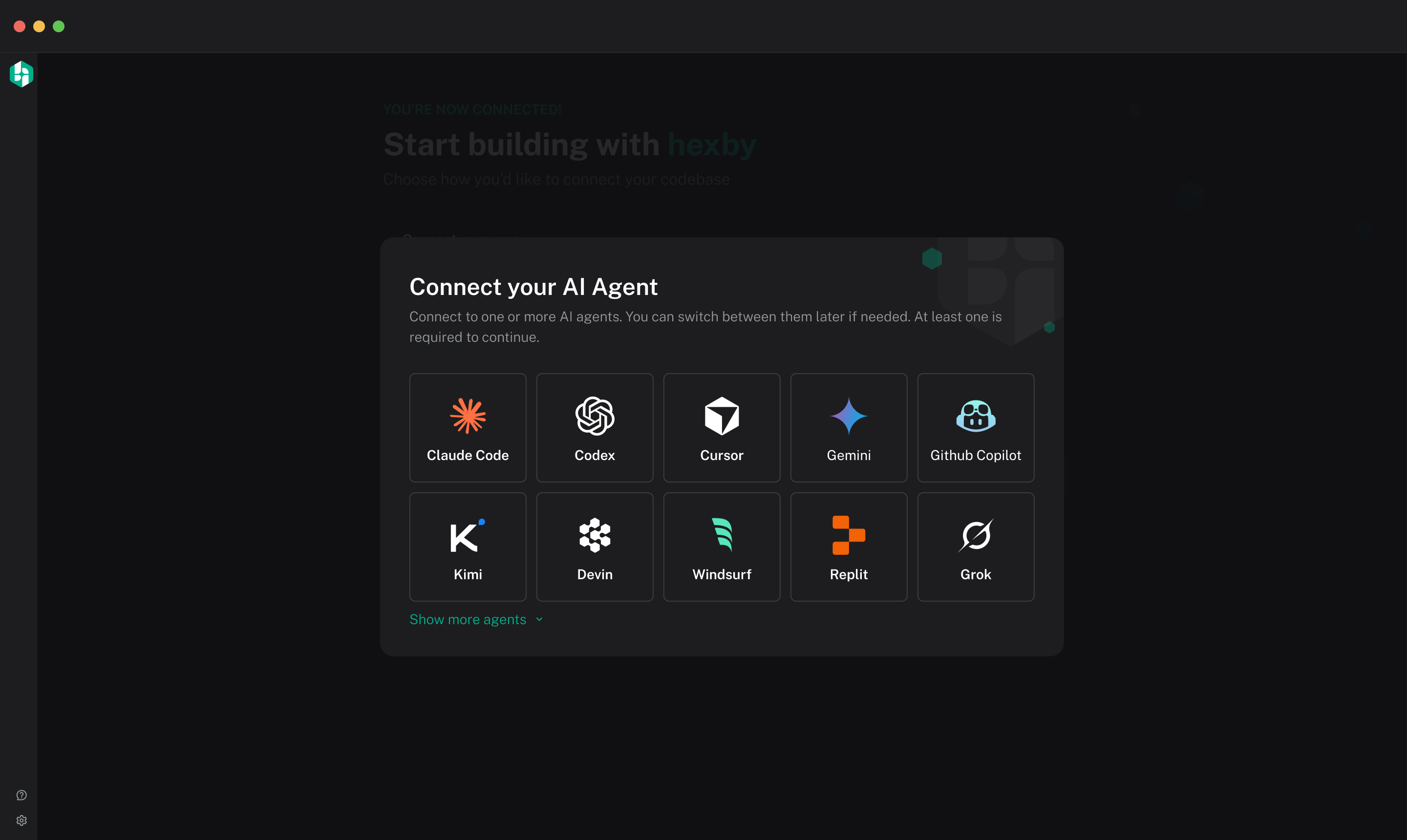
How Remix worksHexby is the canvas and the workflow. Claude Code, Codex, Cursor and friends do the coding, on your account and your plan. Hexby doesn’t sell model usage, so the limits and credits you already have apply.
Hexby talks to each agent through its command-line app, which may need a separate install. How to connect yours
And 8 more that connect the same way
Something we didn’t cover? The docs go deeper.
Hexby is a visual design workspace for teams whose product UIs live in code. It turns an existing frontend codebase into a visual canvas where you can explore screens and components, try design alternatives, and refine interfaces using your existing AI coding agents. Unlike a traditional design-first workflow, Hexby lets you work with the UI that already exists in your codebase, without having to recreate it in a separate design file. You can watch a demo of the Hexby workspace here.
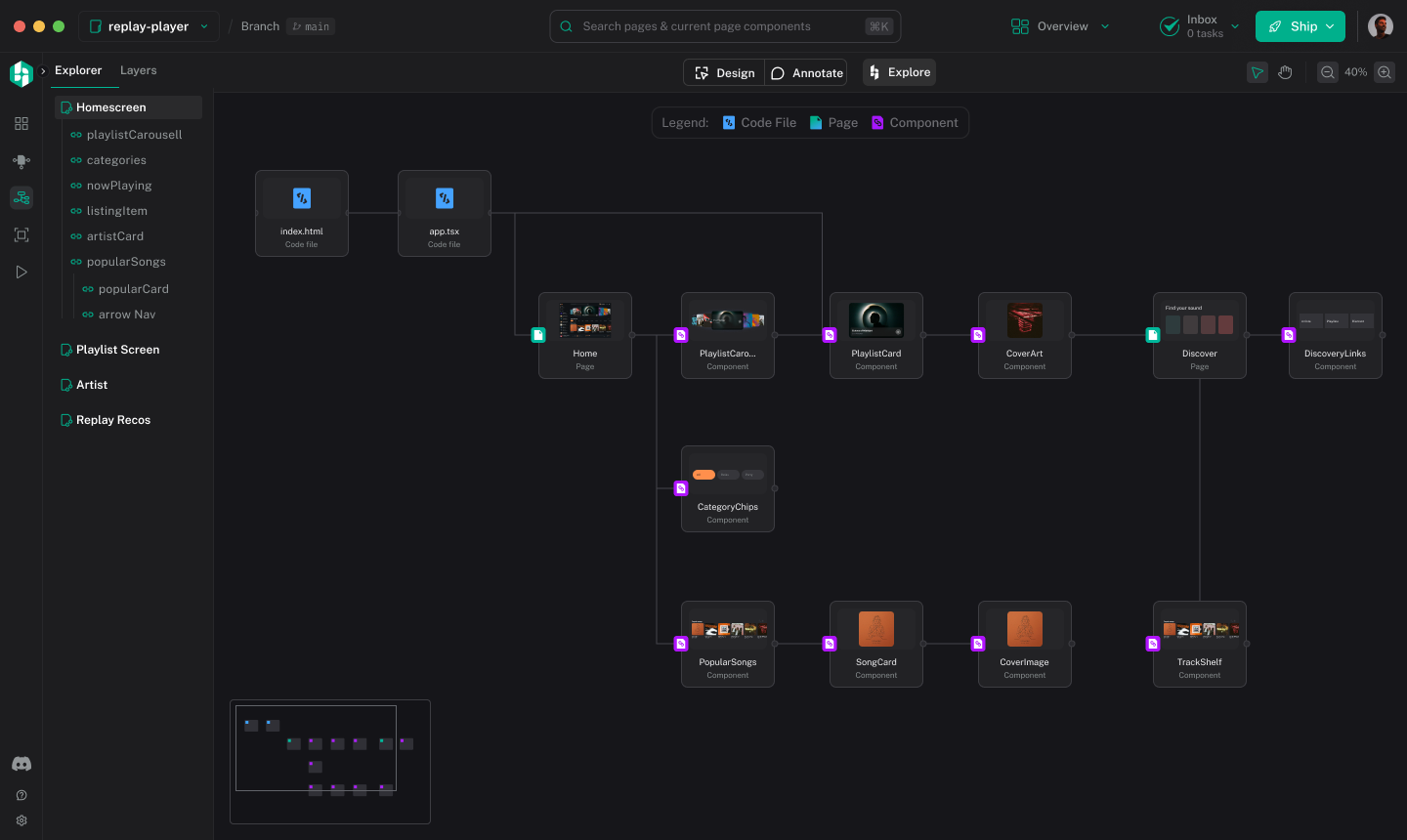
Hexby turns your existing frontend codebase into a visual workspace for exploring your application's pages and components. Instead of navigating source files to understand the UI, you can inspect rendered interfaces, explore component relationships and identify areas to improve. This helps designers, product managers and developers understand and work on coded UIs visually. You can explore the Hexby workspace in the product tour here.
Hexby brings a visual design workflow to products built directly in code by AI coding agents. Connect your project, explore the UI on a visual canvas, experiment with layouts and components, and use your existing coding agent to implement changes. You can move between visual exploration and code implementation without first recreating your application in a separate design tool. You can explore different design directions here.
Hexby helps you refine AI-generated applications after the initial build. Bring your project into a visual workspace, explore alternative layouts, improve components and polish the interface using your existing AI coding agent. Instead of rebuilding the application from scratch, you can iterate on the UI of the product you have already created. You can learn how to open your existing project here.
Yes. Hexby brings visual UI exploration and iteration into your existing AI coding workflow. Work with your application's screens and components, identify the changes you want to make, and use your connected coding agent to implement them in code. You can continue using your existing agent and its subscription rather than switching to a separate AI coding agent provided by Hexby. You can find the AI assistant integration guide here.
Hexby lets you explore alternative UI directions using your existing application as the starting point. Experiment with layouts, screens and components, review visual changes against the current interface, and refine your preferred direction with your AI coding agent. This helps teams evaluate design options before deciding which changes to implement in their codebase. You can learn how to explore and compare design ideas here.
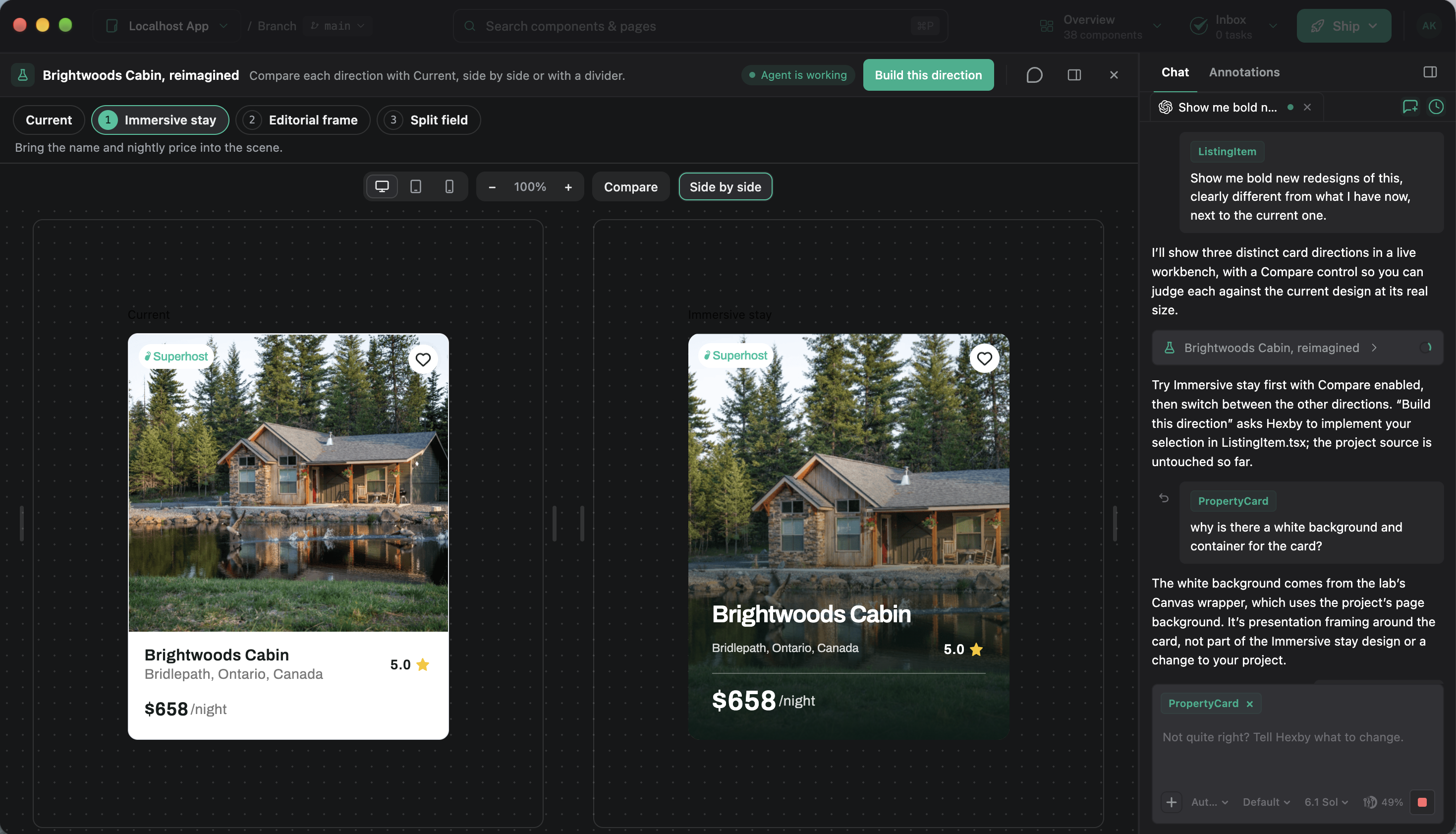
Hexby gives designers and product managers a visual workspace for understanding and refining an existing application's UI. They can explore screens and components, communicate desired changes and work with an AI coding agent to implement improvements. Teams can review visual changes together and hand approved work back to developers through their existing development workflow. You can learn about visual review and developer handoff here.
Yes. Hexby creates a visual workspace from your existing frontend project so you can explore the UI that has already been implemented. You can inspect pages and components, understand how the interface is structured, and iterate on the existing product using your AI coding agent. Your codebase remains the source of truth, rather than requiring you to manually recreate each screen in a separate design file. You can find project requirements and setup instructions here.
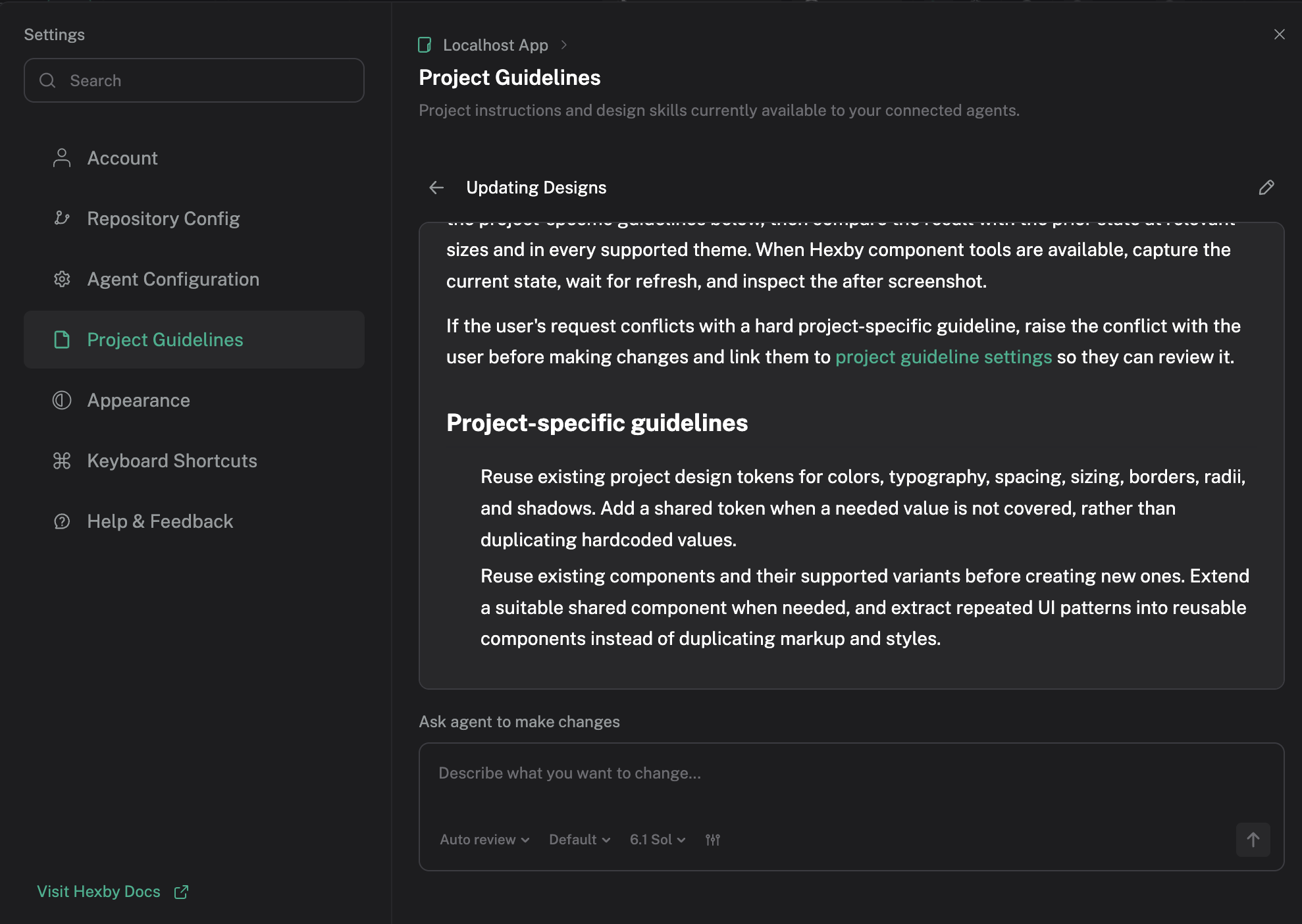
Hexby helps you explore the pages and components that make up your application, making it easier to understand how shared UI elements fit into the product. You can identify areas for refinement, explore changes to reusable components and work with your AI coding agent to implement improvements across the interface. This supports more consistent UI iteration within your existing codebase. You can learn how to give your AI agent design guidelines for consistent UI changes here.
Hexby gives teams a visual workspace for reviewing UI changes before they become part of the main product. You can compare the updated interface with the existing version, inspect proposed changes and collaborate with teammates on the result. When changes are ready, they can be handed back through your supported repository workflow for developer review and merging. You can learn how to review UI changes and hand them off for merging here.
Connect your codebase and see your product differently.



 Kilo Code
 Grok Build
 goose
 Kimi
 Factory Droid
 Auggie
 Devin
 Antigravity