Open this page on a wider screen to try the live editor.
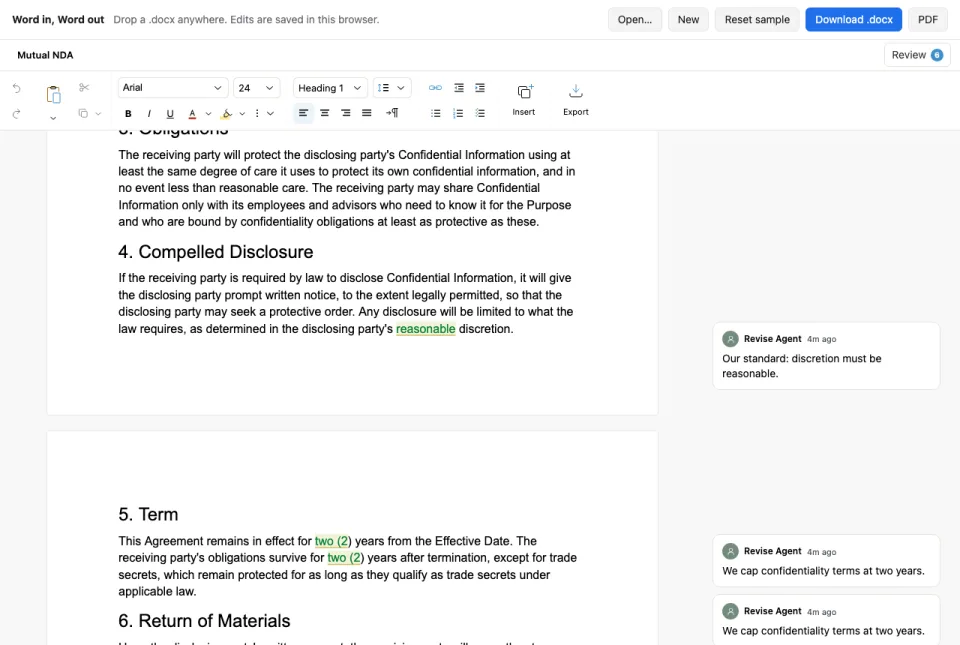
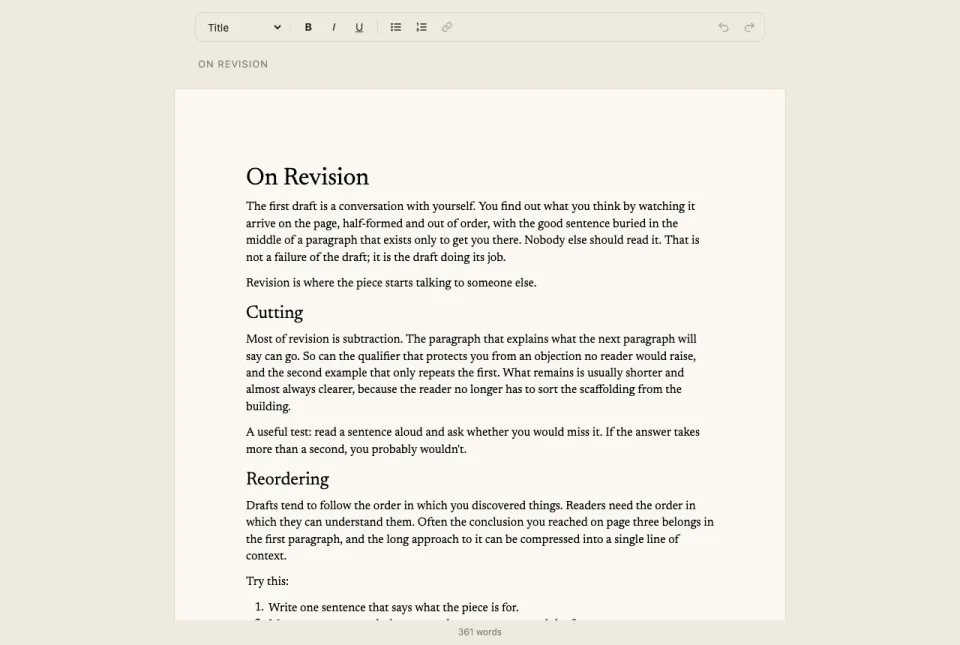
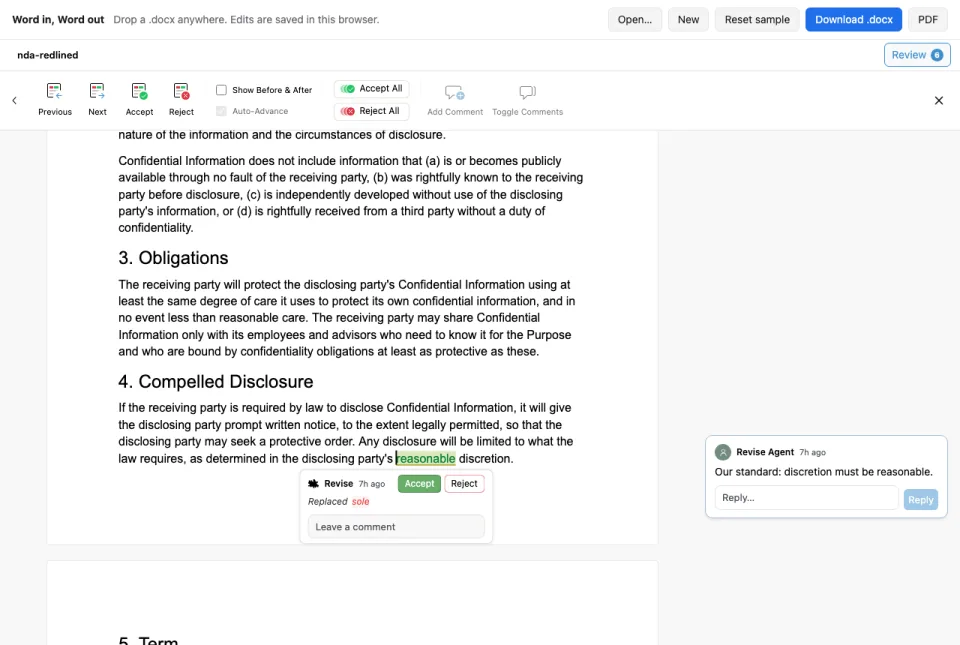
The Revise SDK adds a powerful document editor to your application in minutes, with manual and agentic editing in the same interface.
Integrate in minutes
Render the component, pass in a file, and listen for changes.
The Revise SDK runs entirely in the browser, and on your servers. Use the backend package to build your own persistence, collaboration, or server-side editing.
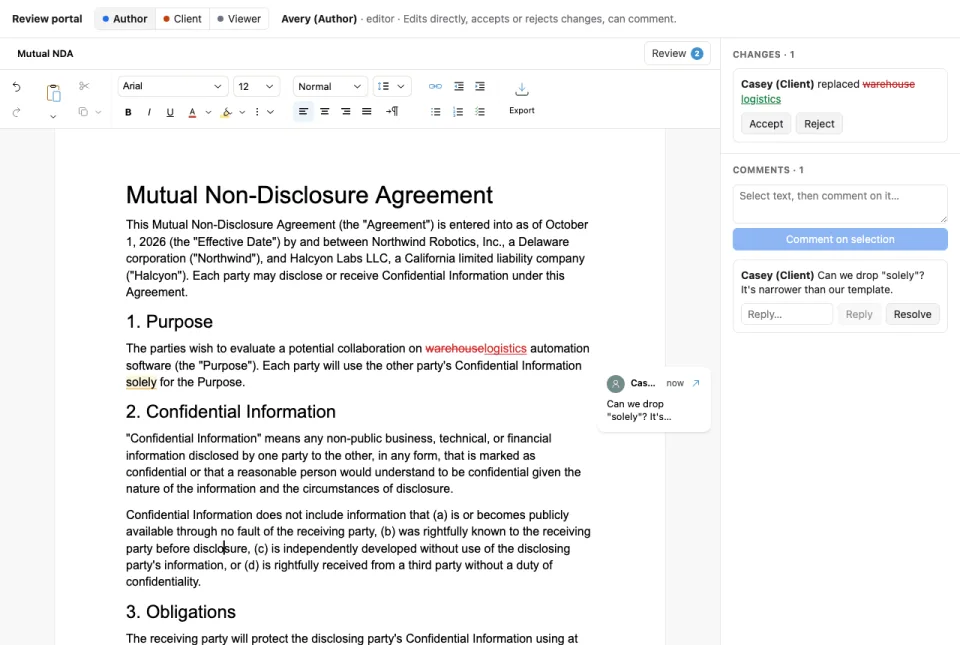
Author, client, and viewer roles with a custom sidebar for changes and comments.
Tools for your agent
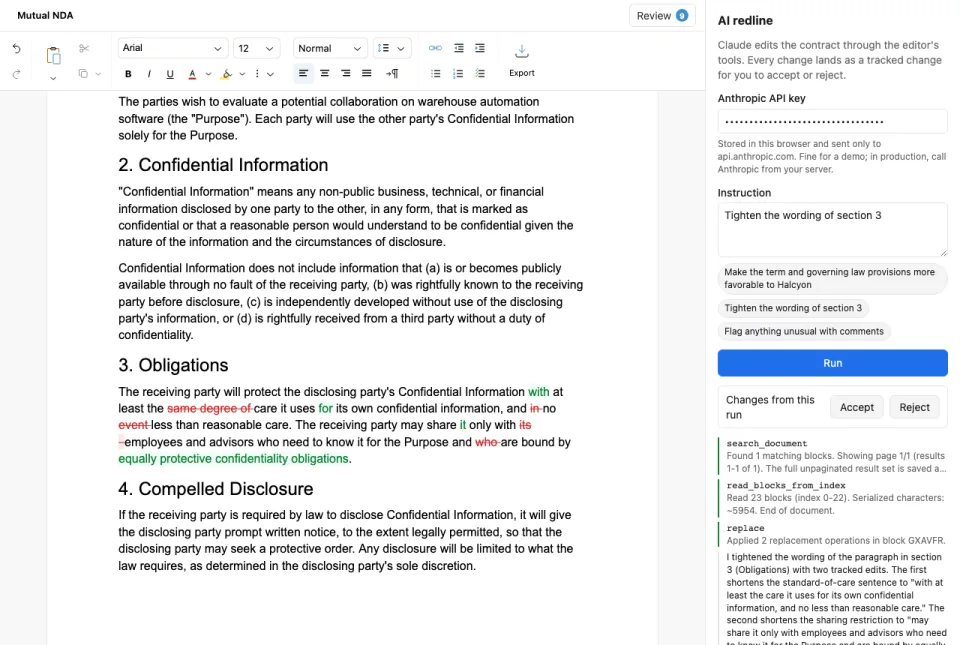
Revise was designed for agentic editing. The SDK exposes tools for editing and formatting text, leaving comments, and adjusting page layout — all with tracked changes.
Expose the editor tools in your agent loop and feed the results back in to add collaborative document editing to your AI product.
Rewrite a clause and see every change
Pass plain HTML to replace_block or insert_block — no custom DSL. Revise diffs the rewrite word by word into separate tracked changes.
// Hand back the whole rewritten clause; the editor works out what changed.
await editor.tools.execute("replace_block", {
  id: confidentialityBlockId,
  content: [
    "<p>Each Receiving Party shall protect the other party's Confidential " +
      "Information using at least the same degree of care it uses for its " +
      "own confidential information, and shall not disclose it to any third " +
      "party except as permitted in this Section 3 or with the Disclosing " +
      "Party's prior written consent.</p>",
  ],
});

// One rewrite, three tracked changes:
//   party            -> Receiving Party
//   no less than…    -> at least the same degree of care it uses for…
//   …Section 3.      -> …Section 3 or with the Disclosing Party's consent.
const { openSuggestionIds } = editor.review.getState();
Live collaboration
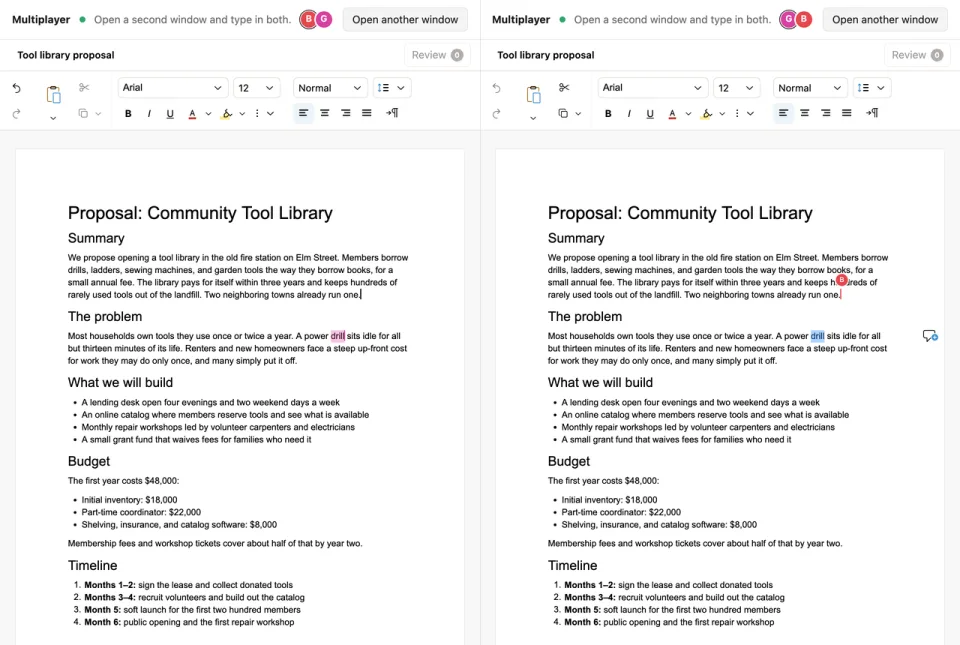
Revise supports collaboration among people and agents. Pass in a Yjs provider to share the document with live carets, presence, and participant roles.
Use the backend package to run your own sync server, persist changes, and propose tracked changes from a service. The same tool contract works in the browser and on the server.
Try collaboration in the interactive demo below:
AdaEditing directlyRexSuggest-only — edits land as tracked changesMoRead-only — follows along
Open this page on a wider screen to see the live shared document.
Pricing
Free for evaluation and personal projects. Buy a commercial license online, or talk to us about enterprise terms.
Free
Free
For evaluation and testing, personal noncommercial apps, and accredited schools.
No. The editor runs entirely inside your app, and documents move only between your users' browsers and your own servers. There's no Revise account, API key, or hosted backend to depend on: storage, real-time collaboration, and server-side editing all run on your infrastructure through revise/server.
The only request the SDK makes on its own is an anonymous usage ping with the SDK version and your site's origin. It never includes document data or cookies, we don't store IP addresses, and you can turn it off with telemetry={false}.
No, and we don't pretend to be. The SDK is proprietary software under a short, plain license: free for evaluation, personal noncommercial apps, and education, with a commercial license for production use. There's no copyleft license wrapped around a closed engine, and nothing in our terms reaches into your own code.
Commercial customers can get source code access as part of their agreement, so your team can audit and build the editor you ship.
Any model that supports tool calling. The editor hands your agent its editing tools as JSON schemas and runs the calls your agent makes, so you can use Claude, GPT, Gemini, or a self-hosted model with your own prompts and keys.
How well does it handle Word documents?
Revise opens DOCX files with Word-style page layout and exports them back to DOCX. Tracked changes, comments, footnotes, tables with merged cells, multi-column sections, headers and footers, list numbering, and styles all make the round trip.
It's the same engine that powers the Revise editor, where people edit real Word documents every day.